Like the series it’s based on, Netflix Stories: Virgin River (iOs, Android) is a cozy, carefree game that — while not without its fair share of cliff-hangers and dramatic twists — promotes a positive, peaceful experience. Plus, it’s incredibly accessible, allowing anyone with a Netflix subscription and a mobile device to download it and start authoring their own romance-inspiring story.
While Virgin River is simple to pick up and play, fans looking to make the most of their time in the charming Northern California town might benefit from the following immersion-enhancing tips and strategies.
Don’t stress over your style choices.
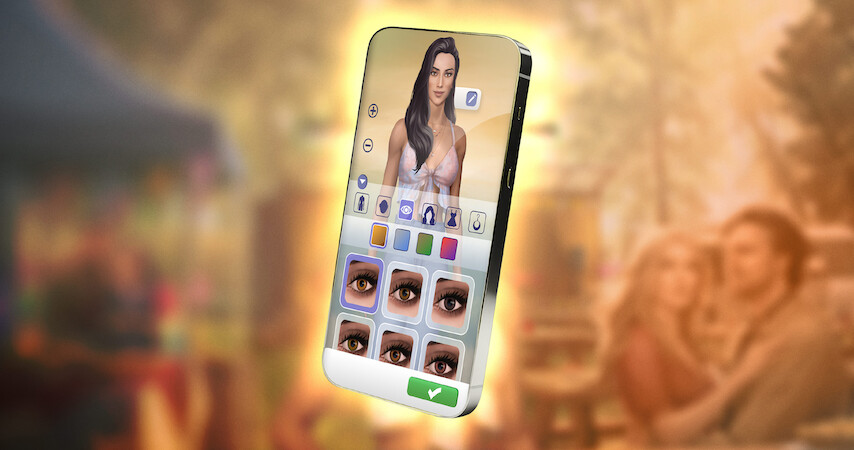
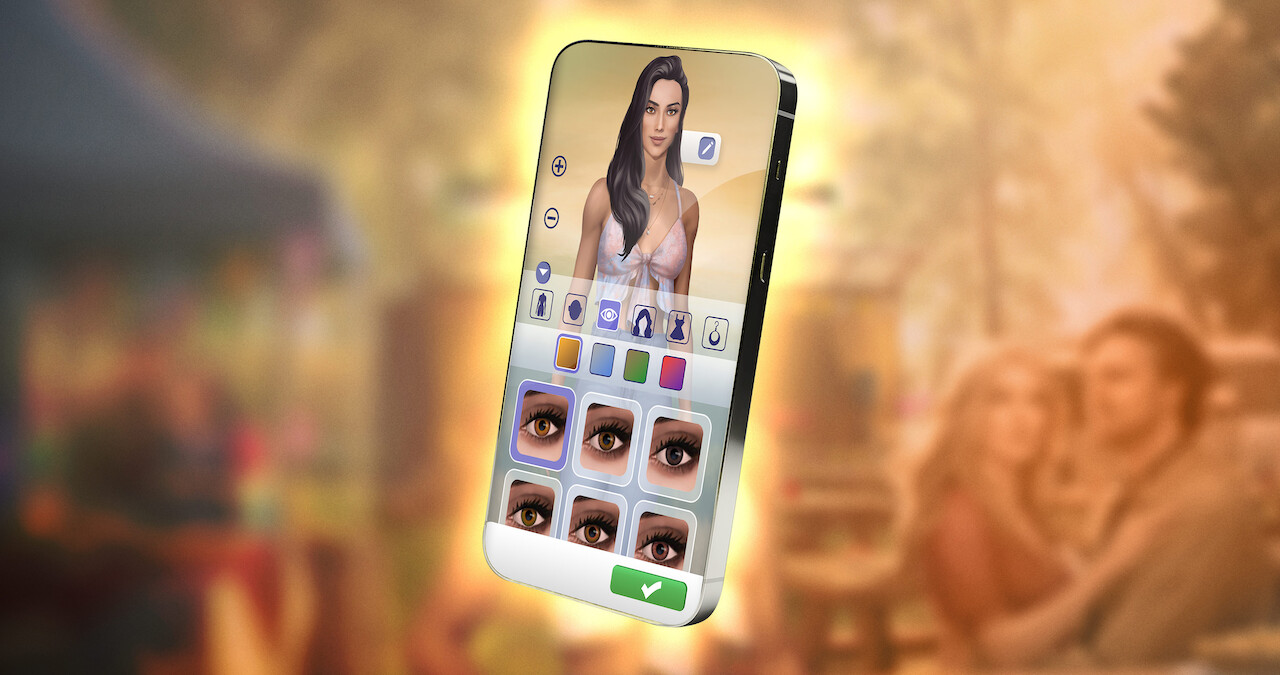
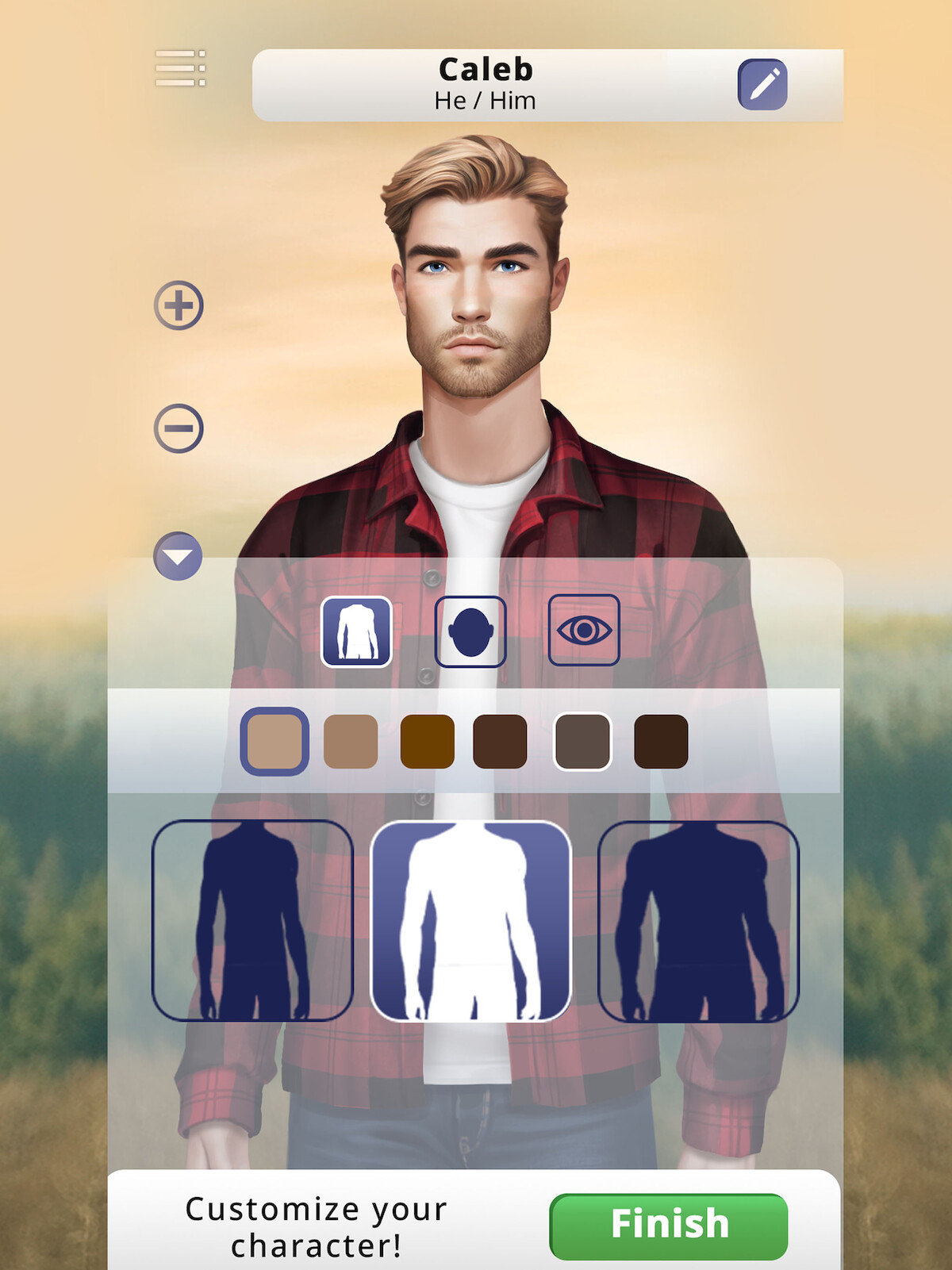
Before you begin your journey in the remote, picturesque town, you’ll need to personalize your protagonist. Upon selecting a name for your character, and choosing their pronouns and dating preferences, you’ll dig into the cosmetic customization interface. In addition to choosing a body type, face, and eyes, you’ll select a hairstyle and color, as well as outfit options and jewelry.
But while your name, pronouns, dating preferences, and primary physical features remain permanent throughout the game, you’ll have ample opportunity to switch up your cosmetic style. So you’ll want to pay close attention to those initial identity choices, but don’t sweat it if you’re on the fence about, say, that floral top you hastily picked out, or the daring hairstyle you’re not yet sure your avatar can pull off.
Don’t scrutinize every dialogue option.
As you start chatting up Virgin River’s charismatic townsfolk, it won’t be long before you realize the game regularly presents you with plenty of choices and dialogue options. This decision-driven approach is, in fact, the title’s primary gameplay interaction, giving you the freedom to forge your own path. But don’t sweat it too much: Most of the choices you make aren’t critical.
Your selections will absolutely help shape your interactions, and inject plenty of personality and flavor into your conversations; but in most cases, they won’t significantly alter the narrative path. Still, you’ll want to give extra thought to exchanges that task you with choosing between — or siding with — certain characters. After all, these might have more of an impact on your burgeoning relationships. Thankfully, these significant scenarios are accompanied by a warning prompt — “This is an important decision!” — letting you know you’re about to make a choice that could potentially either ignite a lasting relationship or extinguish any romantic sparks.
Stop and smell the roses.
As a story-focused, character-rich experience, Virgin River will find you frequently socializing with characters throughout the town. It can be tempting to occasionally slip into a prompt-spamming groove, where you’re appreciating the broad story strokes, but maybe missing some of the more nuanced narrative beats. This can especially be the case when you’re analyzing every conversation rather than allowing them to flow freely, like real-life exchanges.
Of course, simply going through the motions can also lead to missing out on the game’s immersive visual and audio presentation. Virgin River is packed with cool details, call-outs to the series, and world-building that’ll make you wish the town was an actual place you could visit IRL. So whether you’re focused on impressing a potential love interest or helping out a troubled friend, be sure to also take some time to absorb the beautiful background scenes and their accompanying audio cues.
Don’t be afraid to replay chapters.
Virgin River includes a feature that allows you to replay chapters you’ve completed, or restart ones you’re still in the midst of. While gaming purists may want to play from start to finish without any second chances, more adventurous fans might appreciate the opportunity to maybe correct a “mistake,” compare potential outcomes of different dialogue decisions, or simply get a fresh start.
For the latter group, a do-over is just a couple of clicks away. Simply tap the three-line icon (often referred to as the “hamburger button”) in the upper right-hand corner of the screen. This accesses the main menu, which includes the replay menu. Simply enter the replay interface and select whichever in-progress or completed chapter you’d like to restart. Just one word of caution: Once you confirm your selection, your previous progress, from the point you’re starting at, will be lost.
Take a few notes if you’re bad with names.
You arrive in Virgin River with a plan, as well as the determination to quickly execute it and return to your big city life. But before you even reach your first destination, you encounter an attractive stranger you can’t stop thinking about. That initial meeting is the first of many, as the town’s brimming with attractive singles who could potentially become more than your friends.
As your romantic prospects pile up, you might find yourself confusing some of their names. That’s fine when engaged in conversations, as characters’ monikers accompany their dialogue. But when you’re not in the company of those budding love interests — and are asked to make a critical decision about any of them — you’ll need to rely on your memory to pick from a list of names. In other words, if you only recall your prospective partners as, say, “sexy free spirit,” “flirtatious server,” or “cute cop,” well, you just might wind up skinny-dipping with the wrong person. Awkward!
Watch the series … or at least the first episode.
Netflix Stories: Virgin River the game serves as a standalone experience requiring no knowledge of its source material. But those craving a bit more context and background about the quaint town and its friendly community can find that and much more by watching the series.
Whether you want to discover how Mel and Jack first met, or just familiarize yourself with the locations and hangouts you get to visit in the game, checking out even just the first episode will fill in those blanks. Of course, don’t be surprised if the series’ premiere pulls you in right away and has you clearing your calendar to watch all five seasons immediately.
Check out more games available for download via the Netflix mobile app.