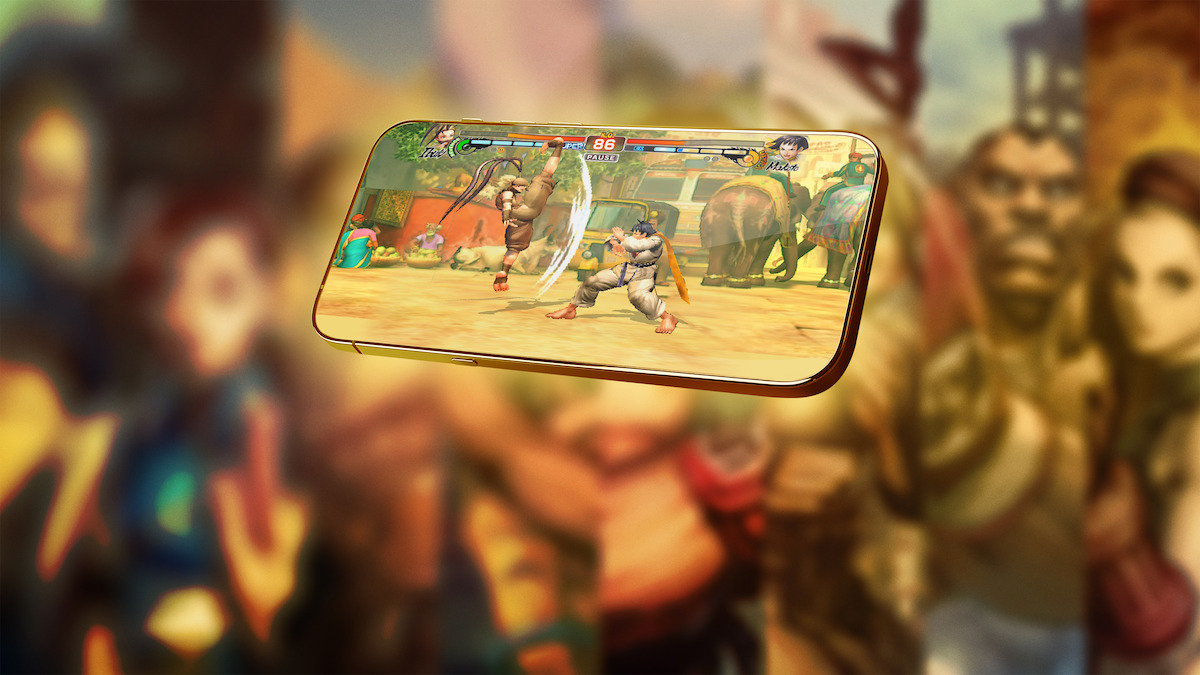
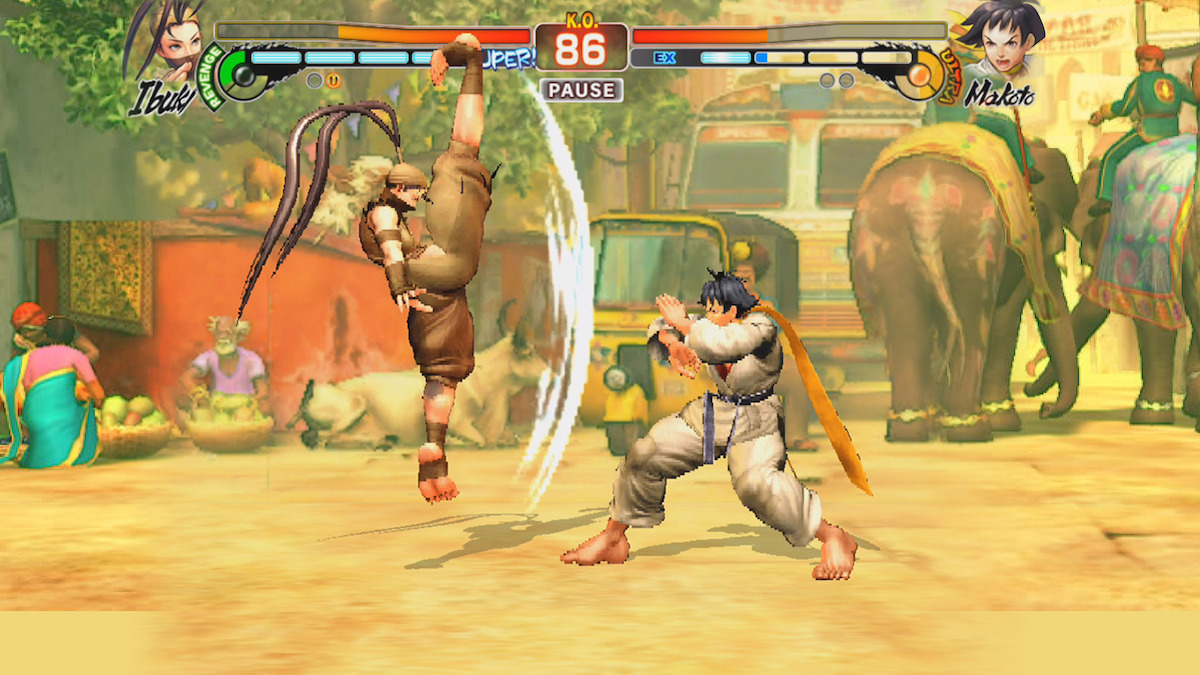
Street Fighter IV: Champion Edition has come out swinging on Netflix, where subscribers can download the iconic fighting game right now, for free. Brimming with a fan-favorite roster of 32 fighters, a stacked offering of solo and online modes, and features and controls optimized for mobile-device play, the acclaimed entry is cruisin’ for a bruisin’ in all the best ways.
But while you might be anxious to dive in and deliver that first jaw-shattering Shoryuken, you don’t want to enter the hand-to-hand combat classic half-cocked. While the Street Fighter series is known for being as accessible as it is layered, it wouldn’t hurt to enter the ring with a few helpful strategies in your corner.
So before you rip off the gloves and fire off that first Hadoken, read on for five tips that’ll help you learn the ropes — and ensure you’re not pinned against them.
Heed the help screen.
The first thing that hits you upon firing up Street Fighter IV: Champion Edition isn’t a flying fist, but a dedicated help screen. Before even reaching the main menu, you’re presented with a transparent overlay describing each element on the display.
The text-based boxes detail everything from the joystick and button inputs to the Revenge, Vitality, and Super Combo gauges. Whether you’re a first-time fighter or an accomplished butt-kicker, it’s a good idea to brush up on these basics before getting in the ring. But if you do decide to bypass this optional interface, you can easily access it anytime by tapping “controls” within the menu labeled “other.”
Tailor your training.
The game’s dedicated training mode provides a great way to practice and master moves without the threat of having your face pummeled by an opponent. But the default training stage barely scratches the surface of what this mode actually offers.
Selecting the training area’s pause menu will reveal numerous options for tweaking and tailoring different settings and parameters, from managing the potency of your Super Combo gauge to swapping between different fighters. The “dummy” settings are particularly useful, allowing you to customize the various actions, behaviors, and states of your AI opponents.
Toggle on assists when starting out.
Given that Street Fighter IV: Champion Edition features 32 characters — each with their own specific styles and moves — memorizing all their commands can be as challenging as giving Blanka a bubble bath. You can lessen the learning curve, however, by easily activating a couple of assists in the options menu.
When toggled on, “SP Move Assist” allows you to pull off special attacks with less complex commands, while selecting “Auto Guard” will see your fighter autonomously perform high and low blocks. Choosing either, or both, of these assists will hand some of the heavy lifting over to the game while you focus on mastering other combat arts.
Focus on a favorite fighter.
The Street Fighter games generally favor players who master a single character rather than experiment with many. As such, after some initial dabbling, it’s a good idea to find a fighter you like and focus on leveraging their strengths, understanding their weaknesses, and learning their moves.
You can take this path with any of the game’s 30-plus pugilists, but if you’re yet to even bruise your knuckles, both Ken and Ryu are great brawlers to start with. These classic fighters are dependable and will assist you in learning and mastering the basic mechanics that are the foundation for all characters’ moves.
Button reconfiguration is your friend.
The Netflix version of Street Fighter IV: Champion Edition goes above and beyond to bring the game’s beloved joystick and button mechanics to mobile platforms. But while the touchscreen interface has been fine-tuned to retain the responsiveness, precision, and nuance of a physical control layout, it can’t account for the size of every player’s screen — or thumbs.
If you’ve invested some time into beating down the likes of E. Honda and M. Bison, but still feel like something isn’t clicking quite right, you may want to visit the button-configuration interface within the pause menu. Here, you can adjust the positioning, size, and transparency of the virtual joystick and inputs, ensuring a personalized setup that leaves little room for error.
Check out all the mobile games available on Netflix right now.