News
A User Guide to Netflix’s New TV Experience
How to find your next watch with ease.
By Tudum Staff
May 19, 2025
Netflix just got an (inter)face lift. On May 19, an elevated TV experience began rolling out on eligible TVs and TV streaming devices, with more devices set to be added over the next few weeks. The redesign comes with upgraded features that’ll help make choosing quick, simple, and intuitive. Below, we’ll walk you through how to get the most out of your new homepage layout.
Let’s say you’ve settled into your couch for the night and want to find a new show to get you hooked. When you turn on Netflix, head to the navigation bar (now located at the top of your screen) and explore My Netflix as a starting point. Think of this new central hub as your home base, where you can easily access titles you’ve added to My List, reminders you’ve set, trailers you’ve watched, and content you’ve downloaded. Maybe you’ve already saved something under My List, and you’re ready to dive in now. Or maybe you want to pick back up where you left off in the latest season of Love, Death + Robots. Whatever the case is, My Netflix bookmarks your viewing and browsing history so that you can easily keep tabs.
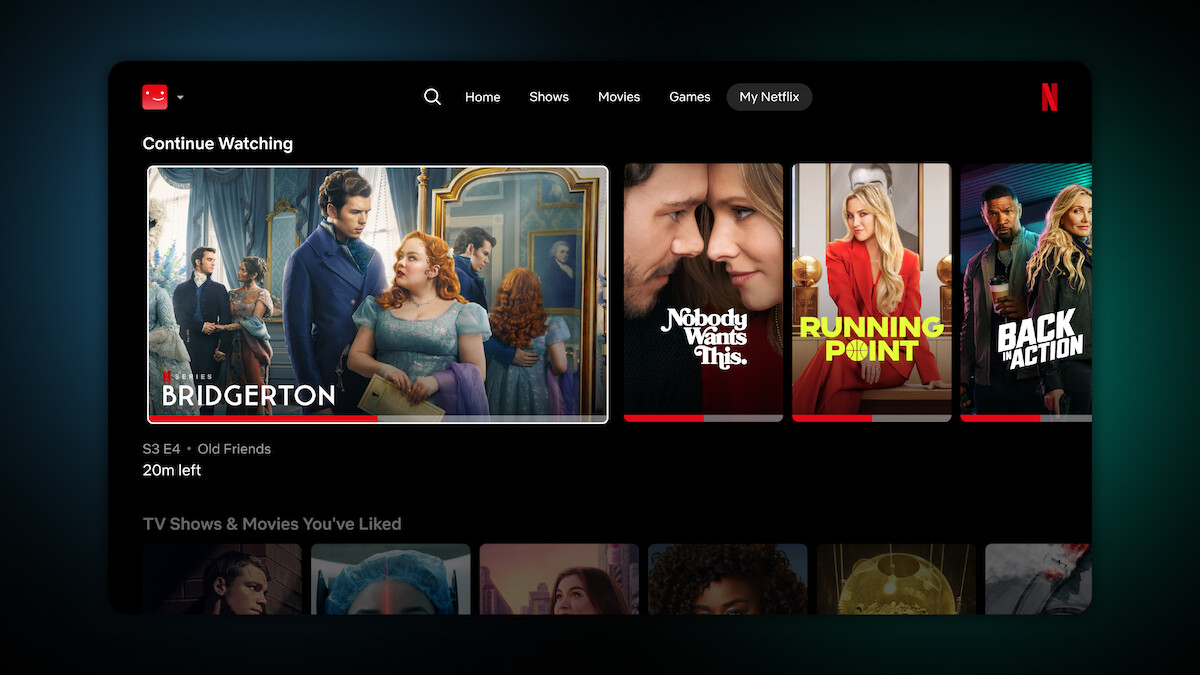
Continue Watching and rated content can be found on a user’s My Netflix page.
If you didn’t find that perfect show to match your mood, it’s time to begin your search. There are a few ways to do it:
By content type: Shortcuts to Shows, Movies, and Games are located in the new navigation bar.
By genre: You might notice that Categories is no longer a standalone menu option, but don’t worry — you can still filter by genres or themes when you click into Search.
By what’s new or trending: Scroll your homepage to find Top 10 Movies, Top 10 TV Shows, and the New on Netflix row.
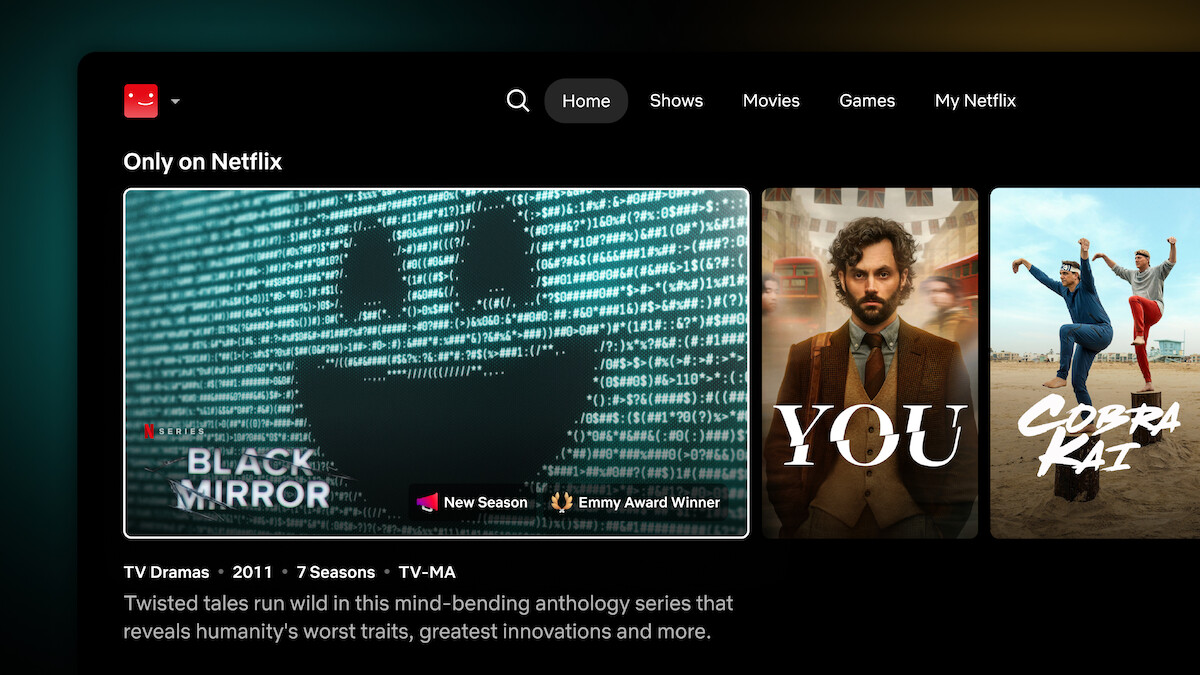
Each title comes into focus as you browse Netflix’s new TV interface.
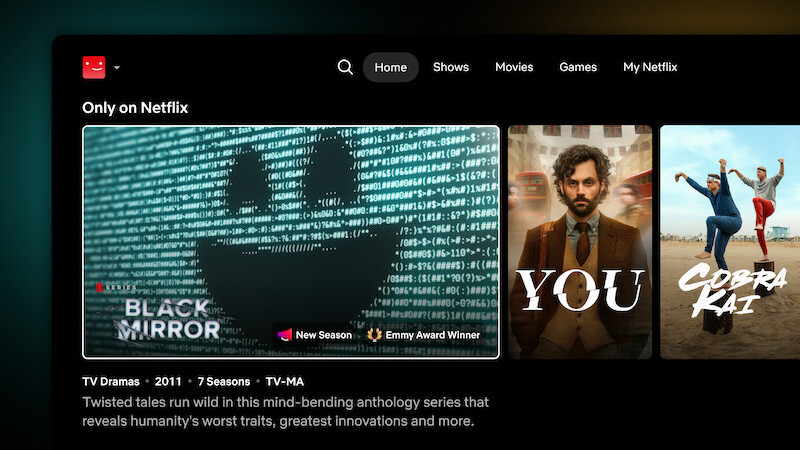
As you explore all the different rows on your screen, allow the new contextual call-outs to help with decision-making. Call-outs are a new feature that offers insight into what makes each title unique. They’re the words you see on the bottom of the focus-state of each title: “Emmy Nominee,” “Highly Rewatched,” and “Cult Favorite” are just a few examples of fun tidbits you might come across on your hunt for your next TV obsession.
If “Emmy Award Winner” caught your eye and you’re ready to press play, wind down with the award-winning Black Mirror (we guarantee it’ll hook you in). Once you’re finished with the show, rate it a “thumbs up” and scroll a few rows down to find other similar titles served up just for you in real time. Responsive recommendations take cues when you rate a title, watch a new trailer, or add a show to My List, so that your Netflix experience stays tailored to your tastes in the moment.
A Romantic Comedy Movies row may surface for members who just engaged with ‘Set It Up.’
Your homepage will get even more personalized as you continue engaging with titles. The next time you’re in need of a show to wind down with, choosing will be that much easier.