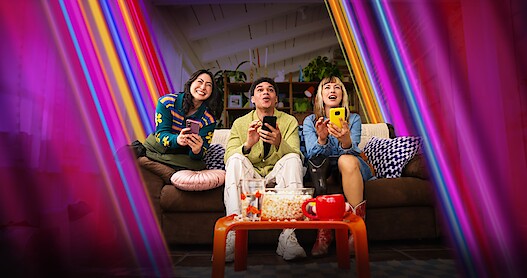
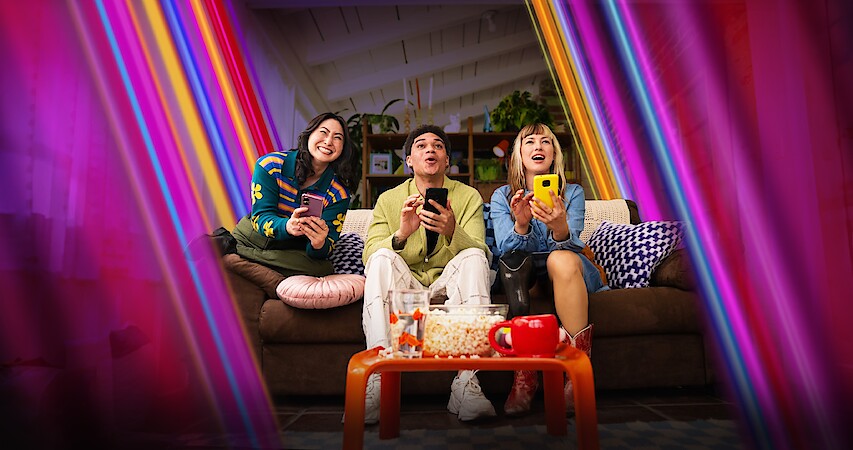
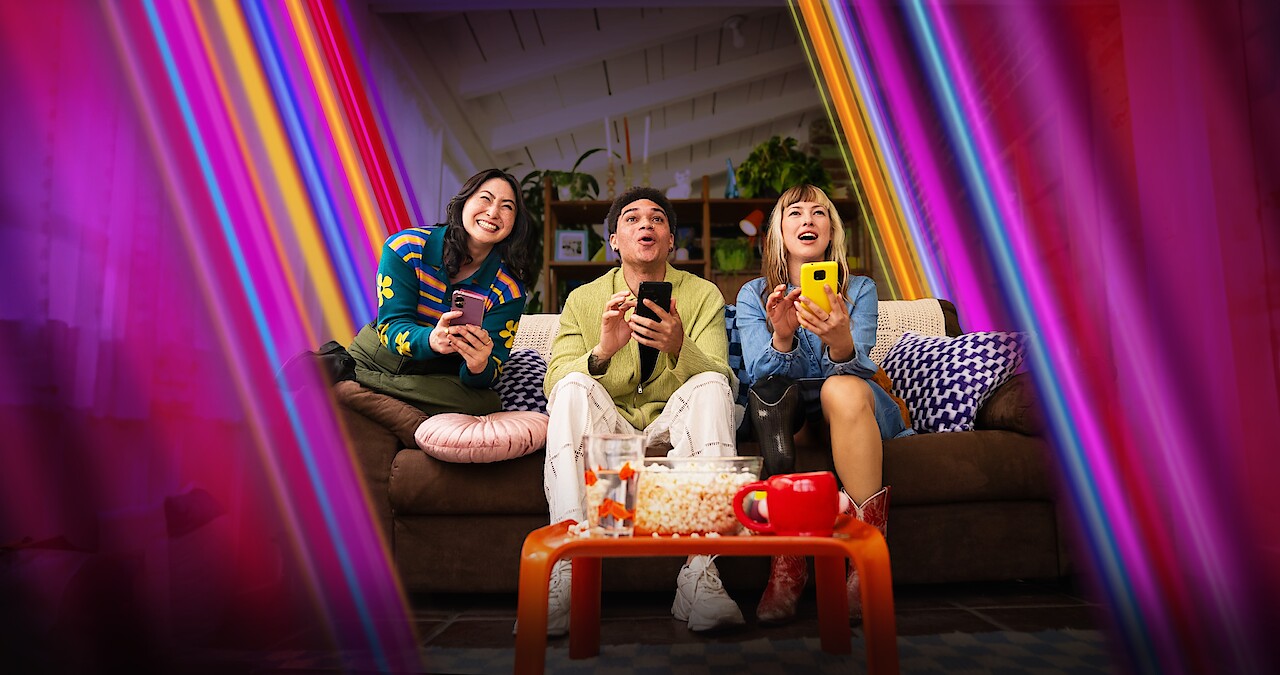
Get ready for big-screen gaming with your Netflix subscription — your ticket to a diverse library of games — whether you’re embarking on a solo quest or gathering friends and family for some multiplayer fun. From competitive party challenges to arcade classics, there’s a game for every setting. Best of all, you’ve already got everything you need to play.
The key to the fun? The controller is already in your hand. These games are designed to be played on your TV screen using a device everyone has: their phone! Simply scan the QR code on your screen with your phone’s camera, and you’re ready to play.
How do you transform your phone into a game controller, and how do you get this epic game night started? We’ve got you covered with a complete guide to all your burning questions. Here’s everything you need to know to set up your TV, sync your phone, and start dominating the fun in no time flat.
Where can I find and play games on Netflix?
On your smart TV
Look for the Games row on Netflix, find your new favorite, and play it by pressing the Play Game button. From there you’ll need to pair a mobile device to use as a controller. It’s easy — just follow the onscreen instructions. The game will start once you’ve connected your phone or tablet.
On your mobile device
There are two types of games: those you can play on your TV and web browser, and those you can play on your mobile device. Access to all games is included in your subscription with no ads, extra fees, or in-app purchases. You can find a full list of all the mobile games Netflix offers right here.
How do I use my mobile device as a controller?
Using your mobile device (either a smartphone or a tablet) as a controller to play games on Netflix is easy.
Android
1. Select a game to play, then press the Play Game button.
2. Open your Android device’s camera and scan the QR code on your TV screen.
3. Select the link that appears. Download and install the Netflix app if you haven’t already.
4. Scan the QR code again.
5. Your device will connect to the TV as a controller.
6. Start playing!
iPhone or iPad
1. Select a game to play, then press the Play Game button.
2. Open your iPhone or iPad’s camera and scan the QR code on your TV screen.
3. Open the Netflix controller pop-up on your device.
4. Your controller and TV will be paired, and the game will start.
Still have questions?
Visit our help center for more details.